
How to Contact MC Markets Support? Channels, Response Times, and a Ticket Tutorial
All official support channels, how fast you can get a reply, and how to submit a ticket that gets handled quickly.


1. All Official Channels
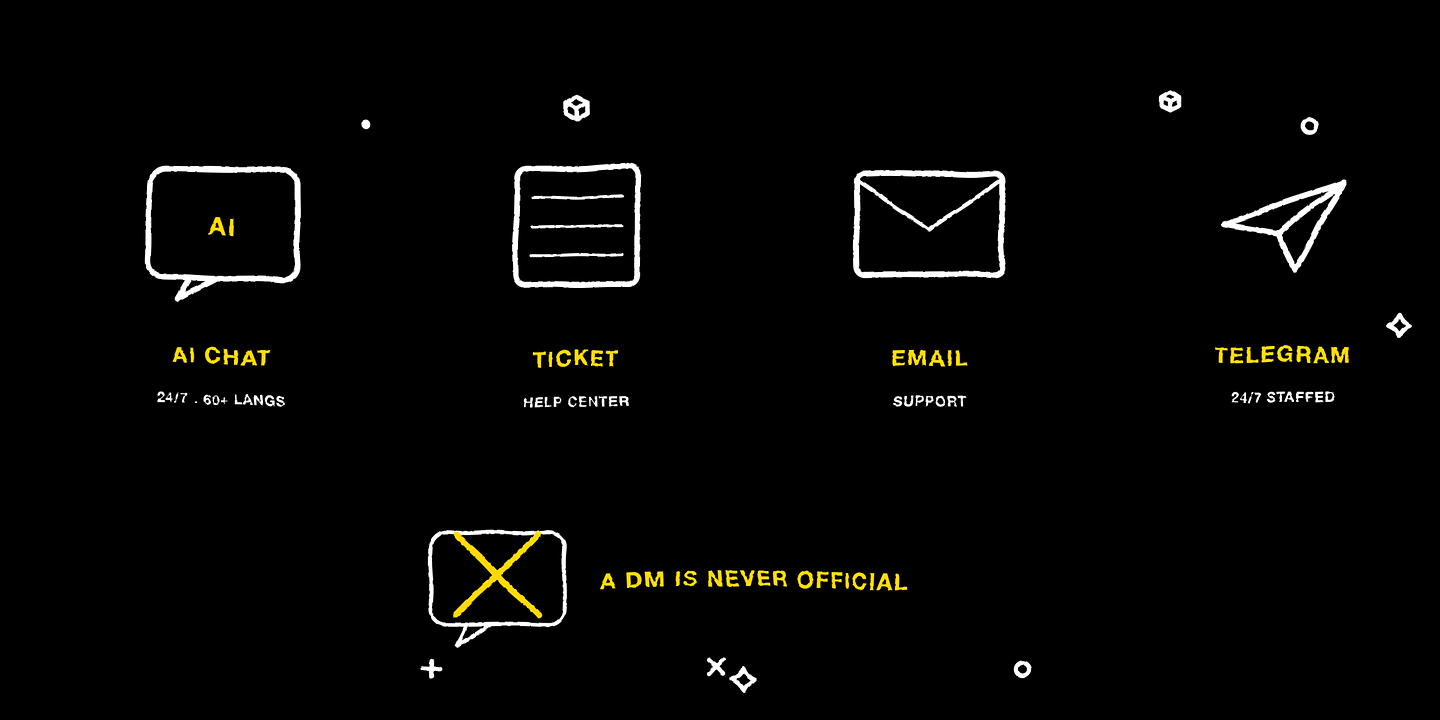
In-site AI support (supports 60+ languages, instant responses around the clock), the ticket system (submit it in the Help Center after logging in; suited to account and fund matters), the official email cs@mcmarkets.com, and the official Telegram community @mcmarketsglobal (staffed 24/7). Please recognize the channels above — anyone who private-messages you offering to “help handle account issues” is not official.
2. Response Times
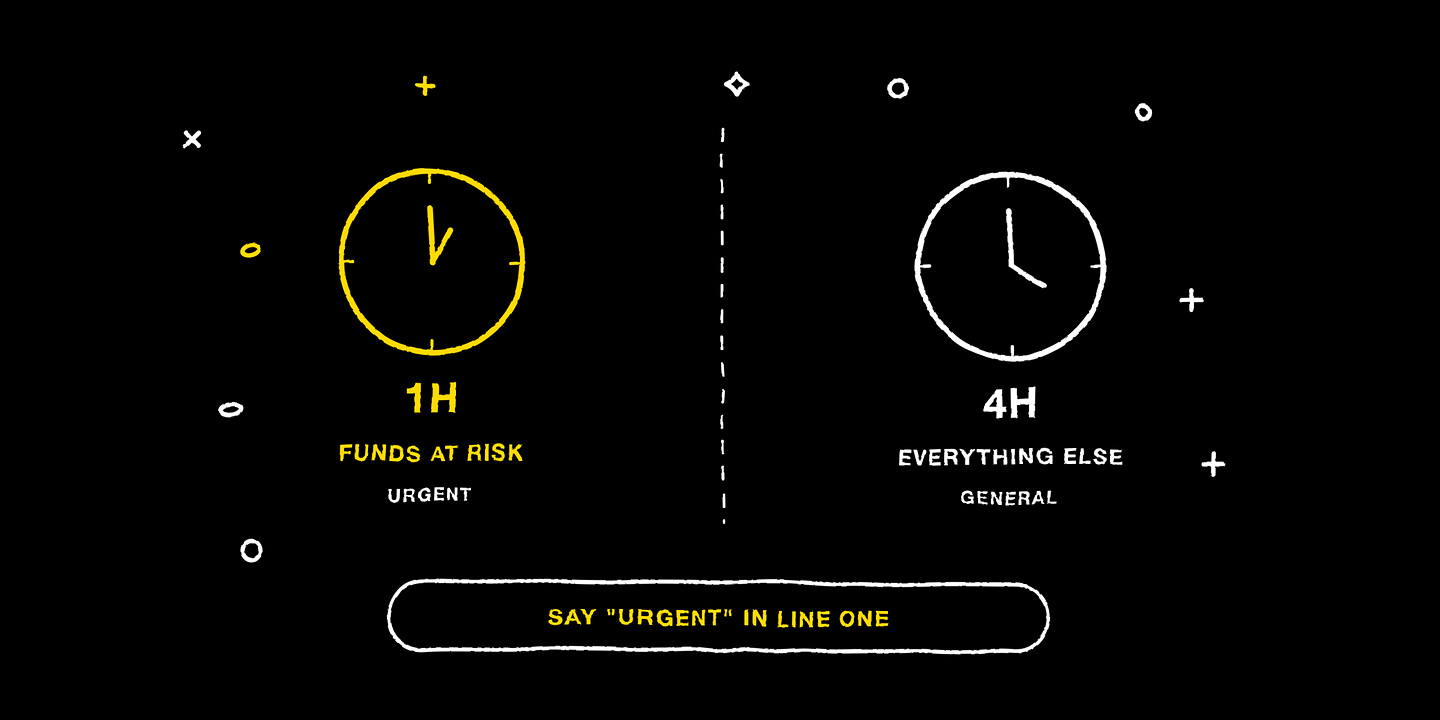
Urgent issues involving fund security: a response within 1 hour. General issues: a response within 4 hours. Noting “Urgent” at the start of your ticket and briefly describing the fund relevance helps the system route it correctly.
3. Language Support
AI support covers 60+ languages; the website interface offers multiple languages including Traditional Chinese, English, Spanish, Vietnamese, and Indonesian — as actually displayed on the site.
4. What to Include When Submitting a Ticket
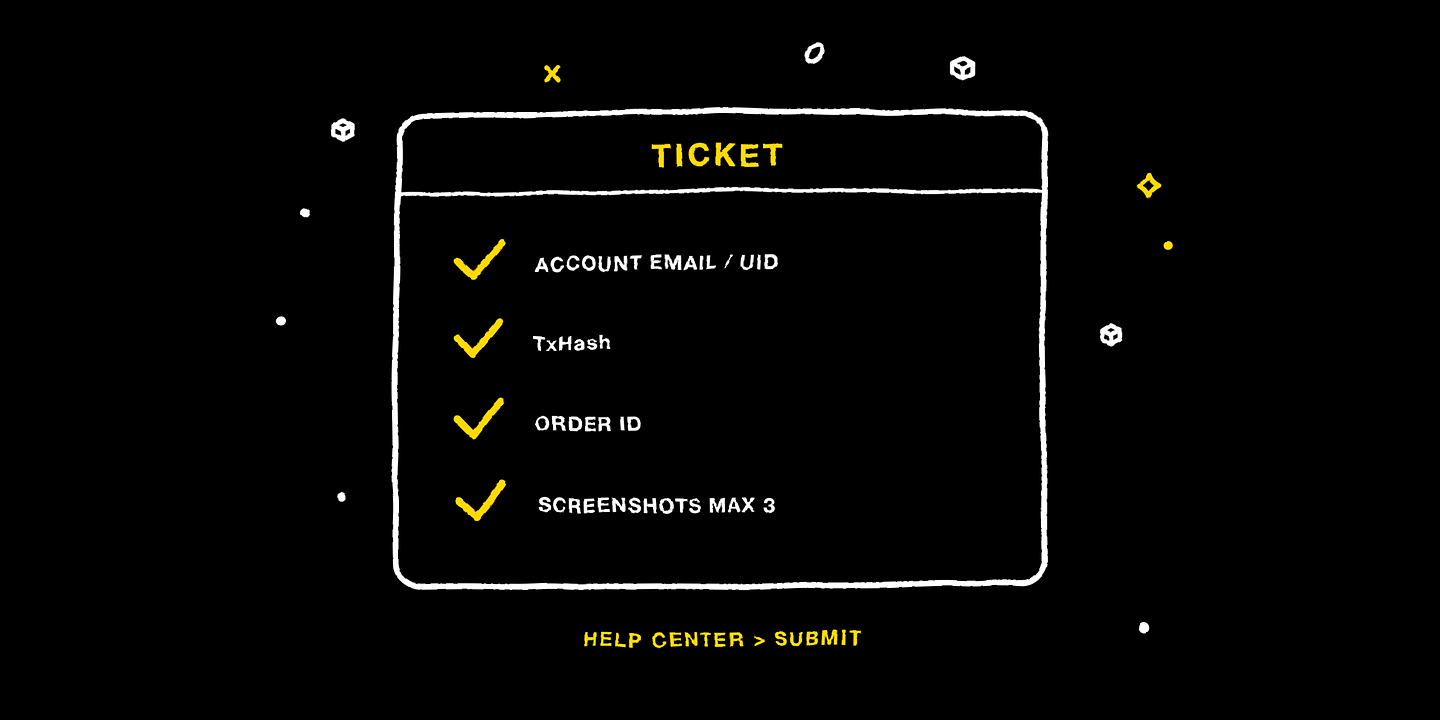
Four things double the handling speed: account identification (registered email or UID), the relevant transaction hash TxHash (required for deposit/withdrawal issues), the order number (required for trading issues), and a problem description with screenshots (up to 3, with timestamps). Path: log in → Help Center → submit a ticket.
5. Institutional Clients
For institutional partnerships and large-scale services, please email cs@mcmarkets.com directly, noting the institution's name and the details of your needs.
Disclaimer
This article is for general informational and educational purposes only and may not apply to the regulations or products available in your region. It does not constitute investment, financial, or trading advice of any kind, nor an offer, solicitation, or recommendation to buy, sell, or hold any digital asset.
Trading digital assets involves high risk, prices can be extremely volatile, and you may lose all of your invested capital. Leveraged trading can result in losses exceeding your initial deposit. Past performance is not indicative of, and does not guarantee, future results.
You should make investment decisions independently based on your own financial situation and risk tolerance, and consult a licensed professional adviser where necessary. While we strive to ensure the accuracy of the information in this article, MC Markets accepts no liability for any errors or omissions, or for any loss you may suffer from using or relying on this information.
No more